


Shopify Store Development Services Built Around How You Sell
Getting a Shopify store online is easy. Getting one that loads quickly, looks like your brand rather than a template, and turns visitors into repeat customers takes a lot more work. That gap is where most stores stall: a theme bought on day one, a dozen apps added to fill holes, and a store that slowly gets heavier and harder to change.
Webzact offers Shopify store development services for brands that want to get it right from the start, and for store owners who already sell on Shopify but have hit the limits of their theme or their apps. We design and set up new stores, build custom Shopify themes and sections, develop private and public Shopify apps, migrate stores from other platforms and look after stores month to month. One team handles all of it, so the person who built your product page is the same person who fixes it six months later.
What We Do on Shopify
- Shopify store setup: a complete store configured properly, including products and variants, collections, payments, shipping zones, taxes, policies, domains, email notifications and analytics.
- Custom Shopify theme development: a theme designed for your brand and built in Liquid on Online Store 2.0, so every page can be edited in the theme editor without touching code.
- Custom sections and widgets: the features people usually install an app for, built straight into your theme instead.
- Shopify app development: custom apps for one store and public apps for the Shopify App Store, built with Shopify's own APIs and tools.
- Shopify store management: monthly support for product uploads, campaigns, theme updates, app reviews and speed checks.
- Shopify migration: moving products, customers and order history from WooCommerce, Wix, Magento or another platform without losing your search rankings.
Custom Shopify Themes That Your Team Can Still Edit
Premium themes are a reasonable way to start, but they are built to suit thousands of different shops, which means a lot of code you never use and layouts that look like everyone else's. A custom Shopify theme is designed around your products and your customers, then built with only the code your store needs.
We build on Online Store 2.0, using JSON templates and sections everywhere. In plain terms, your team can add, remove and reorder sections on any page, create new landing pages for a launch and change text and images on their own. Custom does not have to mean "call the developer for every change". If you like your current theme and just need it adjusted, we can customise it instead, working on a duplicate copy so your live store is never at risk.
Custom Sections and Widgets Instead of Another App
Most Shopify stores carry apps that each add a small feature, a monthly fee and a script that slows the store down. A lot of those features are better built into the theme as custom sections and blocks. Some we build often:
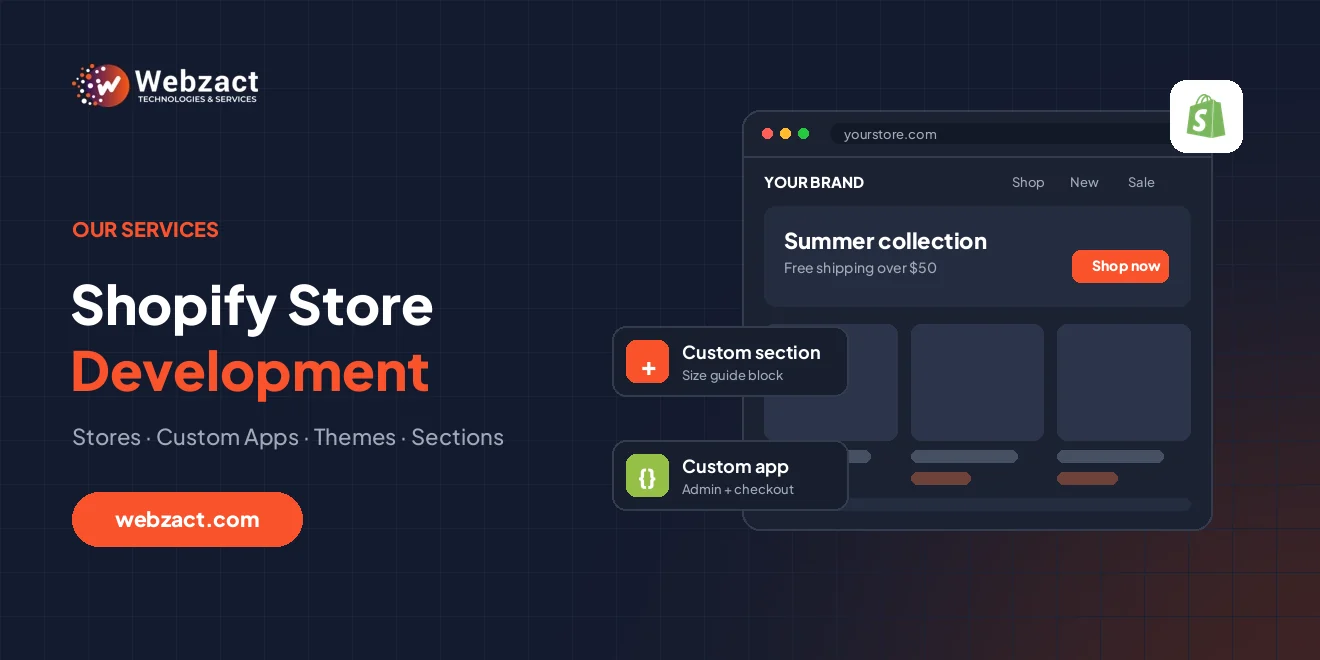
- Size guides and fit finders on product pages
- Product bundles and "complete the look" sections
- Free-shipping progress bars and cart upsells
- Delivery date estimates and stock-level messages
- Shoppable lookbooks, before-and-after sliders and comparison tables
- Store locators, FAQ blocks and custom product tabs fed by metafields
Built natively, these load as part of the page, look exactly like the rest of your store and cost nothing every month. Every section comes with settings in the theme editor, so your team decides where it appears and what it says.
Shopify App Development: Custom and Public Apps
When a store needs logic that a theme cannot handle, such as syncing with an ERP or warehouse, custom pricing for wholesale buyers or automating order handling, the answer is an app. We build two kinds:
- Custom apps are made for a single store. They are ideal for connecting Shopify to your own systems, adding admin tools for your team or handling a workflow no App Store app covers.
- Public apps are listed on the Shopify App Store and installed by other merchants. We handle the app itself, the embedded admin interface, billing and the review requirements Shopify sets before listing.
We use the Shopify CLI, the Admin GraphQL API, Polaris for the admin screens and theme app extensions, so an app can add blocks to the storefront without editing theme code. Where your plan allows it, we can also extend checkout with checkout UI extensions and Shopify Functions for custom discounts, shipping and payment rules. Deeper checkout changes, such as adding fields to the information or payment steps, are only available on Shopify Plus, and we tell you up front which features need Plus.
Shopify Store Management, Month After Month
Launching is the start. Stores need new products, seasonal campaigns, collection updates, app clean-ups and a watchful eye on speed. Our Shopify store management service gives you a team that already knows your store, working through a monthly allowance of hours. A typical month might cover product uploads and edits, sale and discount setup, new landing pages for a campaign, theme and app updates, a speed and broken-link check and a short report on what changed.
Moving to Shopify Without Losing Rankings
Shopify uses fixed URL patterns such as /products/ and /collections/, so nearly every URL changes when you move from WooCommerce, Magento or Wix. Before switching, we export and map products, variants, customers and order history, then set up a 301 redirect for every old URL that has traffic or backlinks. After launch we monitor Google Search Console so problems are caught in days, not months. If your existing store simply looks dated, our website redesign service covers redesigns that keep your rankings.
Fast Shopify Stores That Rank
Slow Shopify stores are rarely Shopify's fault. The usual causes are oversized images, too many apps, leftover code from apps that were uninstalled and heavy theme features nobody uses. Our Shopify speed optimisation work removes that weight and keeps Core Web Vitals healthy, because speed affects both conversion and search visibility.
On the SEO side, we set up clean collection and product structures, product and breadcrumb schema, sensible title and description templates, and internal links between collections and products. Our SEO and digital marketing team can then take over content and link building to grow organic sales.
Is Shopify the Right Platform for You?
Shopify is a good fit when you want a hosted, secure store that your team can run without managing servers. If content and blogging matter most, or you want to avoid monthly platform fees, WooCommerce is often better, and our e-commerce website development page compares the options. If your business model needs complex B2B quoting, marketplaces or deep integration with in-house software, a custom build with our Laravel development team may suit you better. We recommend what fits your business, even when that is not Shopify.
Shopify Flow handles simple automation inside Shopify. For workflows that connect Shopify to email tools, spreadsheets and other systems, our AI automation services build them on n8n or Make.com.
How Much Does Shopify Store Development Cost?
Price depends on the work involved. A store set up on a well-chosen premium theme costs far less than a fully custom theme, and a custom app is priced separately from the store. As a guide, a properly configured store on an existing theme is usually a modest four-figure investment in US dollars or less, a custom-designed theme costs more, and apps are quoted per feature. Shopify's own plan fees and any paid apps are separate and paid to Shopify. Our project cost calculator gives an instant estimate in your currency, and we confirm a fixed, itemised quote after a short call. You can also tell us about your store and we will reply with a plan.
For a line-by-line look at plan fees, themes, apps and the monthly costs most budgets miss, read our Shopify store development cost guide.


