

On this page
Two agencies quote the same website. One says $1,800. The other says $9,000. Neither is lying — they have simply assumed different things, and you have no way to see which. That is the real problem with website pricing: not that it is expensive, but that it is opaque.
This guide shows you how to estimate website development cost yourself, in five steps, using the same logic a development team uses internally. By the end you will be able to read any quote and know exactly what is behind the number — and you will be able to produce your own figure before you talk to anyone.
Why website quotes vary so much
A website is not a product with a shelf price. It is a bundle of decisions, and almost every decision moves the number. Two quotes differ because the two teams assumed different answers to questions nobody wrote down.
The most common hidden assumptions are:
- Design — is the team adapting a template, or drawing every screen from scratch?
- Content — are you supplying the words and images, or are they?
- Integrations — does it need to talk to a CRM, a payment gateway, an accounting system?
- Editing — will your team update pages, or will you come back to the developer each time?
- After launch — is hosting, monitoring and support included, or billed later?
Get those five written down and most of the mystery disappears. That is what the steps below do.
Step 1: Start with what the site has to do, not how many pages it has
Page count is the worst estimating unit there is, and it is the one most people reach for first. Ten pages built from one template cost far less than four pages that each behave differently.
What actually drives the cost is the number of distinct things that must be designed, built and tested. A blog listing and a blog post are two templates no matter how many articles you publish. A checkout is one page and a month of work.
So begin by listing behaviours, not URLs:
- Does someone log in?
- Does money change hands?
- Does anything get booked, submitted or uploaded?
- Does content change often, and who changes it?
A brochure site that answers "no" to all four is a genuinely small project. One "yes" typically doubles it.
Step 2: Decide design before you ask for numbers
This is the single largest lever on a small project.
Adapting a well-chosen template means the layout, spacing and responsive behaviour already work; the team is restyling and rearranging. Custom design means research, wireframes, visual design, revisions and design QA — all before a line of code is written.
Custom design usually adds somewhere around a third to a half of the build cost. It is worth it when the brand is the product, and hard to justify when it is not. Decide this yourself, in advance, or every quote you receive will have assumed a different answer. If you want to see what a full web design and development engagement covers end to end, that page lists the stages.
Step 3: Count the integrations honestly
Every third-party service is its own small project: read the documentation, handle the failure cases, test against a sandbox, then handle the failure cases you did not think of. Payment gateways, CRMs, shipping providers, accounting tools, mailing lists — each one is real work.
Integrations also do not scale linearly. Two rarely cost twice one, because the plumbing is shared. Six usually cost more than six times one, because they start interacting with each other.
Write the list down now, including the ones you plan to add "later". Later has a habit of arriving during the build.
Step 4: Add the parts people forget
Most quotes that feel too good to be true are missing the same four items. Add them yourself before comparing:
- Content — writing, editing and sourcing images. If you are not supplying it, someone is charging for it.
- A content management layer — so your team can edit pages without a developer. It costs more up front and pays for itself the first time you avoid a change request.
- Hosting and deployment — servers, SSL, backups, and a deploy process. Ongoing, not one-off.
- Support after launch — updates, security patches and someone to call. Decide early whether this is yours or theirs.
None of these are optional in reality. They are only optional in the quote.
Step 5: Apply your timeline last
Timing is a multiplier, not a line item.
Compressing a schedule does not make the work smaller — it makes it parallel. More people, more coordination, more review. That is why rushed delivery carries a premium rather than a discount, typically around 25%. Conversely, a flexible deadline lets a team schedule around their peak periods, and most will pass some of that saving back.
Apply this at the end, to the whole figure, rather than trying to bake it into individual items.
A worked example
Say you want a marketing site with about ten pages, custom design, a CMS your team can use, and one CRM integration, on a normal timeline.
- Start from a mid-size brochure site baseline.
- Ten pages across a handful of templates — a moderate increase, not a tenfold one.
- Custom design — roughly a third on top.
- CMS — a further increase, because editing screens must be built and explained.
- One CRM integration — a flat addition, unaffected by page count.
- Normal timeline — no adjustment.
- Project management — a percentage of the total, and it should be visible on the quote, not hidden inside it.
Work through it that way and you arrive at a range, not a single number — which is the honest output. Anyone who gives you an exact figure from a five-minute conversation is guessing, and you will hear a different number later.
The shortcut: let a calculator do the maths
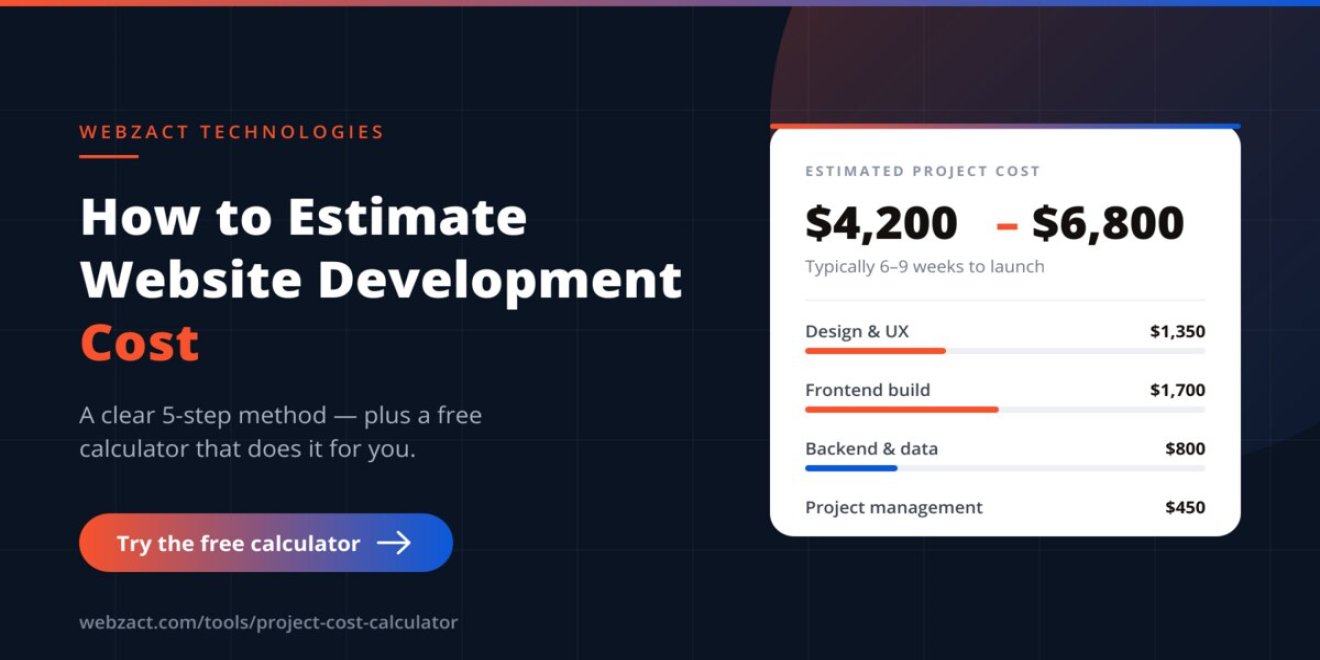
You do not have to do this by hand. We built a free project cost calculator that walks through exactly these five steps and produces a costed range in about two minutes.
It asks what you are building, adapts its questions to your answer, and gives you a full breakdown — design, frontend, backend, integrations and project management as separate lines — plus a delivery timeline. It shows the price immediately, with no email required, in your own currency.
If you would rather read typical figures first, our guide to how much a website costs in 2026 covers the usual ranges by project type. If you want to understand how projects are structured and billed, our engagement models page explains fixed-price, dedicated team and retainer arrangements.
What to have ready before you ask for a quote
Whether you use the calculator or approach an agency directly, these five things turn a vague conversation into a real proposal:
- A one-paragraph description of what the site does and who uses it.
- A list of systems it must connect to.
- Two or three sites you like, and specifically why.
- Who is supplying the content.
- Any fixed date you are working towards, and what happens if it slips.
Send that to three agencies and you will get three comparable quotes instead of three different guesses.
Frequently asked questions
How accurate can an estimate be before detailed requirements?
A well-built estimate should land you in the right range — close enough to budget against and to decide whether to proceed. It will not be exact, and it should not pretend to be. The details that move a price most are the ones a short conversation cannot capture.
Why do developers give a range instead of one number?
Because a single number is false precision. Nobody can price software to the dollar from a handful of questions, and quoting one figure that a later conversation contradicts costs more trust than it saves time.
Is the cheapest quote ever the right one?
Sometimes — but check what it excludes before deciding. Most unusually low quotes are missing content, a CMS, hosting or post-launch support. Add those back in and compare again; often the gap closes almost entirely.
How long should a website take to build?
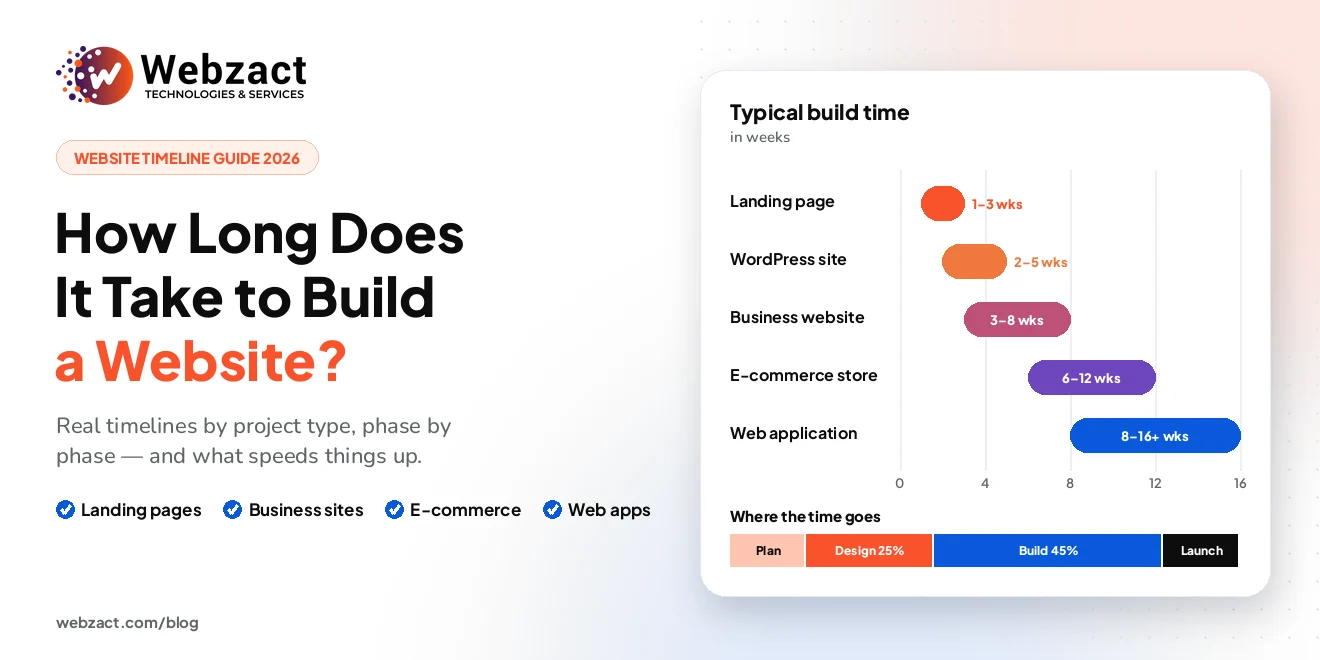
A small brochure site is typically a few weeks. A content-heavy site with custom design runs longer, and anything with accounts, payments or integrations longer still. Ask for the phases, not just the end date — discovery, design, build and testing each need real time. Our guide to how long it takes to build a website breaks each phase down.
Get a costed range for your own project
Estimating well is mostly about writing down the assumptions other people leave unwritten. Do that, and every quote you receive becomes readable.
If you would like a figure for your own project right now, try the free cost calculator — it takes about two minutes and shows the full breakdown. If you would rather talk it through, book a free 15-minute call and we will scope it with you.