

On this page
If you want to automate orders, emails or publishing without hiring a developer for every change, two tools come up again and again: n8n and Make.com. Both connect your apps and run workflows on their own, but they are built for different people and they charge in very different ways. Picking the wrong one usually shows up later, as a monthly bill that grows faster than your business or a workflow nobody on the team can maintain.
We build automations on both platforms through our AI automation services, so this n8n vs Make comparison is based on how the two tools behave in real projects: pricing, ease of use, self-hosting, AI features and reliability.
The short answer
- Choose Make.com if you want the quickest start, a very visual builder and your team is not technical.
- Choose n8n if you run a lot of workflows, need to self-host for data privacy or cost, or want custom code and AI agents.
- Not sure? Count how many steps your workflow has and how often it runs. That one number often decides it, as the pricing section below shows.
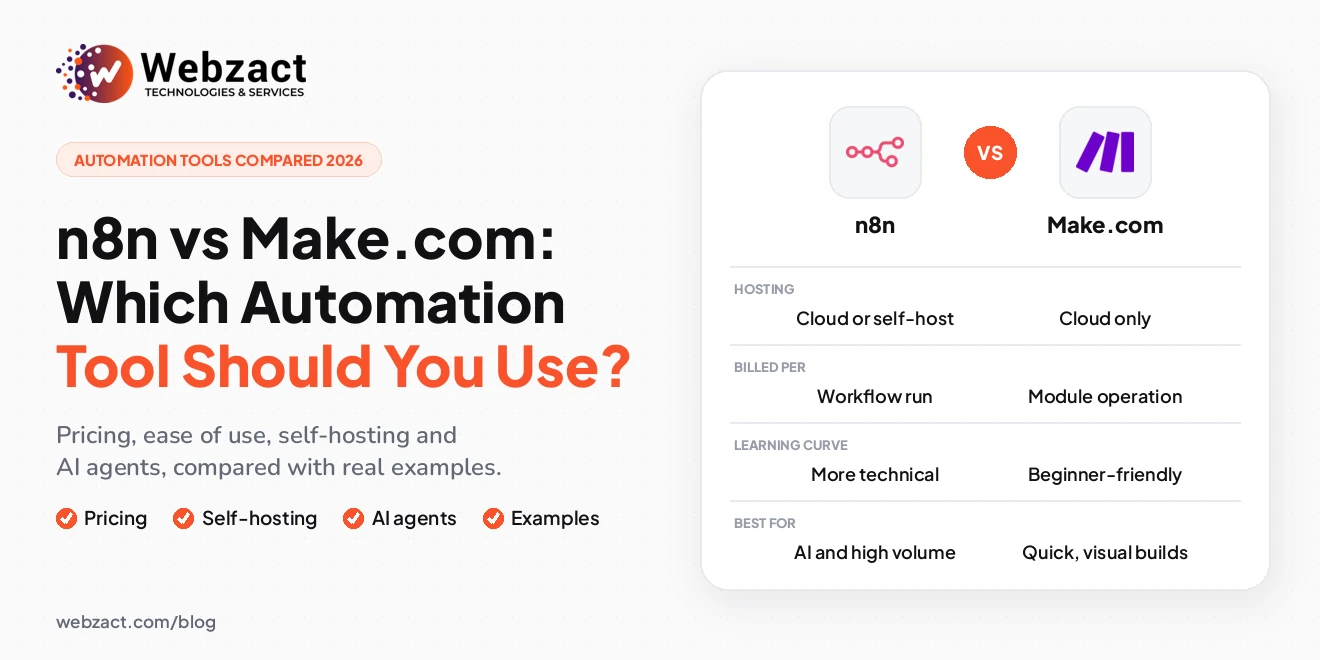
n8n vs Make at a glance
| n8n | Make.com | |
|---|---|---|
| Hosting | n8n Cloud, or self-hosted on your own server | Hosted cloud service only |
| How usage is counted | Per workflow execution (one full run) | Per operation (each module that runs) |
| Ease of use | Visual, but more technical | Very visual and beginner-friendly |
| Integrations | Hundreds of built-in nodes, plus any API through HTTP requests | Thousands of ready-made app modules |
| Custom code | JavaScript and Python code nodes | Mostly built-in functions and formulas |
| AI features | AI Agent and model nodes for OpenAI, Anthropic and others | AI modules for OpenAI, Anthropic and others |
| Licence | Fair-code (Sustainable Use License), public source code | Proprietary |
| Best for | High volume, data privacy, developers and AI workflows | Small teams, marketers and quick wins |
What is n8n?
n8n is a workflow automation platform where each step in a workflow is a node: a trigger such as a new order, an action such as sending an email, or logic such as an if/else branch. It is released under a fair-code licence, which means its source code is public and you can run it on your own server, but it is not open source in the strict sense and some commercial uses are restricted.
You can use n8n in two ways. n8n Cloud is the hosted version, billed by plan. The self-hosted Community Edition runs on your own server, so you pay for hosting rather than for each run. That flexibility, plus code nodes and strong AI tooling, is why developers and technical teams often prefer it.
What is Make.com?
Make.com, known as Integromat until 2022, is a fully hosted automation platform. You build scenarios by placing modules on a canvas and connecting them, and you can watch data move through each step while you test. Its library of ready-made app modules is one of the largest available, so many integrations work without touching an API.
Make is cloud-only: there is nothing to install or maintain, and there is also no option to run it on your own server. For small businesses and marketing teams, that trade-off is often exactly what they want.
n8n vs Make: detailed comparison
Ease of use: which is easier for beginners?
Make is easier for beginners. Its canvas is very visual, modules are clearly labelled, and passing data from one step to the next is mostly point and click. Someone comfortable with spreadsheets can build a useful scenario in an afternoon.
n8n is visual too, but it expects more technical comfort. Working with JSON data, expressions and API responses comes up sooner. The reward is more control once workflows become complex.
Pricing: how n8n and Make charge
This is where the n8n vs Make pricing difference really matters, because the two tools count usage differently:
- Make counts operations. Every module that runs uses part of your plan's monthly allowance, so longer scenarios use more.
- n8n Cloud counts executions. One complete run of a workflow counts once, however many steps it has.
- Self-hosted n8n has no per-run charge. You pay for the server and for someone to maintain it.
A worked example: an order automation with 8 steps that runs 3,000 times a month uses roughly 24,000 operations on Make, but only 3,000 executions on n8n Cloud. For short workflows that run occasionally, the difference is small. For long workflows that run often, it can decide which tool is affordable. Plan prices change regularly, so check the current pricing pages of both tools before you commit.
Integrations
Make has the larger catalogue of ready-made app modules, so popular tools such as Google Sheets, Shopify, WooCommerce, Mailchimp and Slack usually connect in a few clicks. n8n has hundreds of built-in integrations and an HTTP Request node, so anything with an API can be connected even when there is no ready-made node. Both handle the everyday business stack; the difference shows up with niche or in-house systems, where n8n's flexibility helps.
Self-hosting and data privacy: n8n self-hosted vs cloud
If customer data must stay on infrastructure you control, for example because of GDPR or client contracts, n8n is the clear choice because it can be self-hosted. Make runs only in its own cloud. Self-hosting still takes effort: someone has to handle updates, backups, security and monitoring. If you do not have that capacity, n8n Cloud gives you the same editor without the server work.
AI and AI agents
Both platforms connect to OpenAI, Anthropic and other AI models, so both can summarise emails, sort enquiries or draft content. n8n goes further for AI agents: its AI Agent node can use tools, memory and your own data, and code nodes help when an agent needs custom logic. Make is quick for simple AI steps such as writing a reply to an email. For multi-step AI workflows, such as a pipeline that takes a keyword, drafts a blog post and saves it to WordPress for review, we usually build on n8n.
Error handling and reliability
Both tools can recover from failures, which matters when a workflow processes orders or payments. Make lets you attach error handler routes to modules, for example to retry, skip or stop a scenario. n8n lets you retry failed nodes and send errors to a separate error workflow, such as an alert by email or Slack. Whichever you choose, a production automation should always tell someone when a step fails.
Custom code and flexibility
n8n includes code nodes for JavaScript and Python, so unusual data transformations or custom logic can live inside the workflow. Make relies mostly on built-in functions and formulas, which cover most everyday needs but become awkward for complex logic. If you expect to outgrow no-code, n8n gives you more room.
n8n vs Make vs Zapier
Zapier is the third name in most comparisons. It is the simplest of the three and has a very large app directory, but it is usually the most expensive at higher volumes and offers the least control over complex logic. A common path is to start on Zapier or Make, then move busy or complex workflows to n8n as volume grows.
Which should you choose? Real examples
Here is how we would choose for the automations clients ask us for most often:
- Order automation for an online store: new WooCommerce or Shopify orders trigger confirmations, stock updates and team alerts. For a small store, Make is quick to set up. For a busy store with many steps per order, n8n is usually cheaper to run. We plan this kind of automation into e-commerce website development projects from the start.
- Email automation: enquiry follow-ups, welcome emails and review requests. Both tools work well here, and Make is often the faster choice for marketing teams who want to edit the flows themselves.
- WordPress blog post automation: a workflow takes a keyword, drafts a structured article with AI and saves it in WordPress as a draft for an editor. With several AI steps and custom formatting, n8n is the better fit. Pair it with a well-built WordPress website and keep a human review step before publishing.
Frequently asked questions
Is n8n better than Make?
Neither is better for everyone. n8n is better for high-volume, complex or AI-heavy workflows and when you need self-hosting. Make is better when you want the easiest visual builder and a fully hosted service with no maintenance.
Is n8n free?
The self-hosted Community Edition of n8n is free to use under its fair-code licence, but you still pay for the server it runs on and for its maintenance. n8n Cloud and the enterprise features are paid.
Which is easier for beginners, n8n or Make?
Make is easier for beginners. Its drag-and-drop canvas and point-and-click data mapping make simple scenarios quick to build, while n8n expects more comfort with data structures and APIs.
Can Make.com be self-hosted?
No. Make.com runs only as a hosted cloud service. If you need your workflows and data on your own server, n8n is the option that can be self-hosted.
Is n8n or Make cheaper?
It depends on your workflows. Make counts every module that runs, while n8n Cloud counts each full workflow run and self-hosted n8n has no per-run fee. Long workflows that run often are usually cheaper on n8n; short, occasional ones cost little on either.
Which is better for AI agents, n8n or Make?
n8n is generally stronger for AI agents, because its AI Agent node supports tools and memory and you can add custom code. Make works well for simpler AI steps inside a scenario, such as summarising or drafting text.
Get your automation built properly
The right tool matters, but so does the build: clear naming, error alerts, documentation and a workflow your team actually understands. If you want order, email or WordPress automation set up on n8n or Make.com, our AI automation services team can recommend the right platform and build it for you. You can also book a free 15-minute call to talk through your workflow.